
A list of matching files won’t show you where knowledge is thin, where your team is focused, or who owns what. Documentation goes stale in plain sight, and the gap between what people search for and what you actually have stays invisible until someone hits a dead end.
See Your Connected Knowledge. All of it, at Once.
Context Navigator
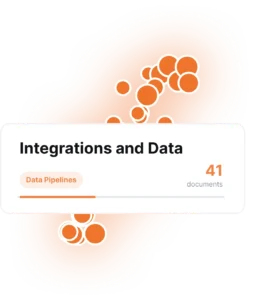
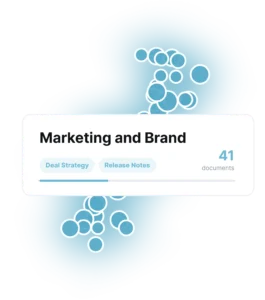
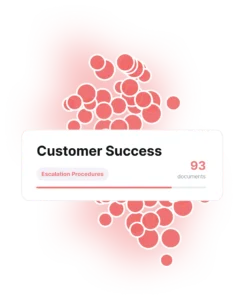
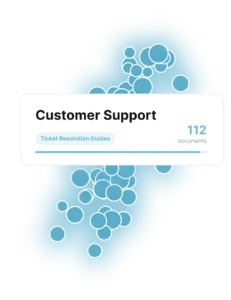
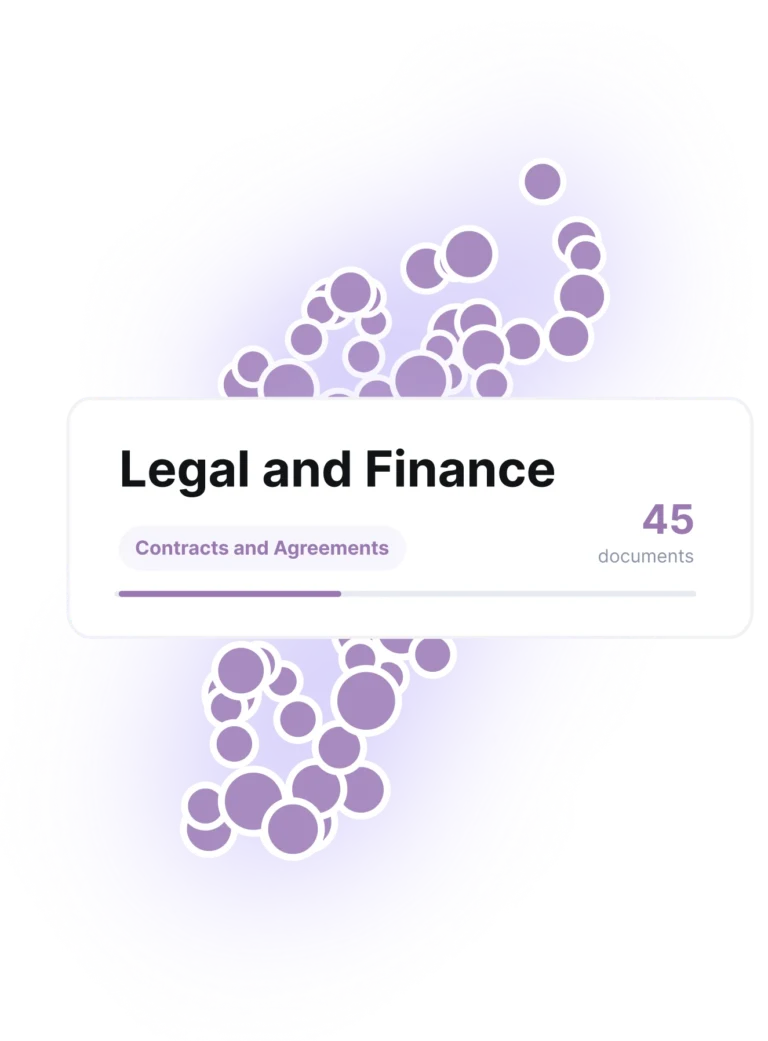
Every piece of content or dataset becomes a point on a map, positioned in neighborhoods where similar things sit close together. This is your window into the high resolution memory model, with toggleable layers that show different dimensions sitting on top, the same way traffic or satellite view layers over a geographic map.
Try it Now ➞
Enterprise Search Only Shows a Snapshot

One Map. Layers On Top.
Think of a regular map app. The roads don’t move, but you can switch on traffic or satellite view to see something new. Context Navigator works the same way. Your knowledge base gets laid out once, by topic, and ten layers sit on top, from structure to freshness to who’s the go-to expert on any given subject.
This level of detail is made possible by the high resolution of the Persistent Semantic Memory™.
When Viewed in 10K, See Your Landscape in High Definition.
With the Enterprise Intelligence Engine™ you see much more than just the relationships and structure of your knowledge, people, taxonomy and ontology. Go deeper with expertise, trust, authority, freshness, and content health. At this resolution agents ground not only in documented knowledge, but in the concepts, traces and context of a system that really understands how your business works.

Structure
See your whole knowledge base organized by topic at a glance.

Usage vs. Knowledge
See exactly where people are searching and coming up empty.

Expertise
See who wrote what, including when one person holds almost everything.

Freshness
See which documents are aging out before anyone else notices.
Dive Deep into Your Memory.
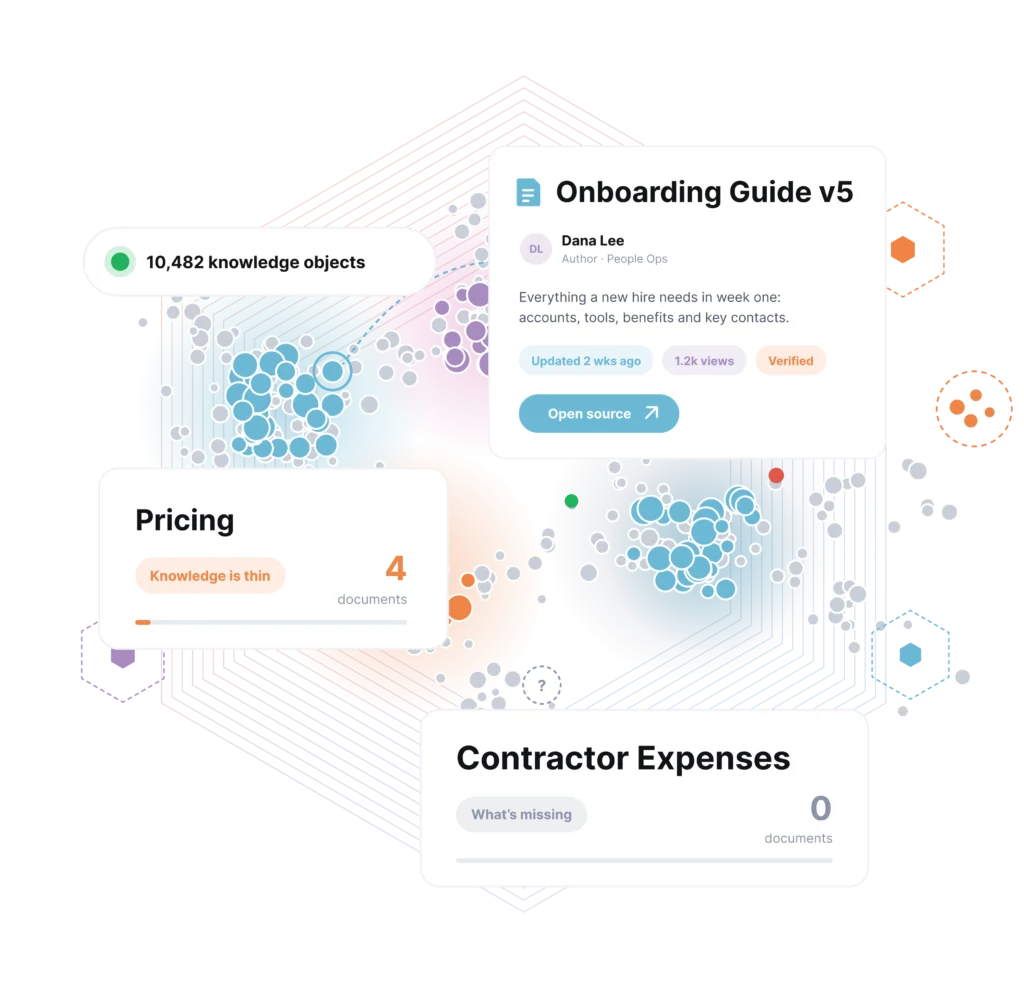
With our navigator, enter into your memory and see the power of instant recall. Open any node and you will see the related item’s title, author, summary, and metadata instantly, with a link back to the source.
When you have 10,000+ knowledge objects, browsing a list of search results doesn’t help your team ever understand the depths of the knowledge your company has built. Graphs can help map relationships, and ontologies can create structure, but only with Context Navigator can you see it all at once and dive deeply into the details. See where your knowledge is thin, identify what’s missing, verify your structure matches the way you work and gain new insight into understanding your business.
Frequently Asked Questions
Every document in your knowledge base becomes a point on the map, placed by meaning. Documents about similar topics sit close together on their own.
No. Context Navigator builds the map from what’s already there. Nothing needs to be re-tagged or restructured first.
Each layer answers a different question: what’s popular, what’s stale, who wrote what, where demand and coverage don’t match, and more. Ten layers are available, and they all sit on the same base map.
No. Clicking any point opens the document’s title, author, summary, and metadata right there, with a link through to the source if you want to open it.
Yes. Those two layers are built on Ontology Detection & Entity Management, the same features that power the rest of Bloomfire’s Enterprise Intelligence Engine™.
Context Navigator works across the knowledge sources connected to your Persistent Semantic Memory™. Bloomfire’s Universal Connector Framework can connect documents, conversations, media, datasets, and other enterprise content without requiring teams to replace the systems they already use.
Connected knowledge is continually re-evaluated as content, metadata, relationships, and usage signals change. Freshness layers help teams identify aging material, while connector synchronization keeps the memory aligned with its source systems. Synchronization targets and connector-specific latency should be defined during implementation.
Yes. Context Navigator can work with existing organizational structures while also surfacing concepts and relationships detected across connected knowledge. This allows architects to compare the formal taxonomy with how information is actually created, used, and related across the enterprise.
Context Navigator is designed to make large collections—including environments with 10,000 or more knowledge objects—understandable as a connected landscape. For enterprise rollout, teams should confirm performance at their expected object count, source volume, permission complexity, and update rate.
Each node links back to its underlying source and exposes relevant metadata, helping users understand where information came from.

Build your knowledge ecosystem
Connect knowledge pools of documents, conversations, media, data, and expertise with your Persistent Semantic Memory™ to ground your AI. Use our turn-key of connectors or build your own to connect to any enterprise systems.

Sign up for Innovation
The pace of innovation with AI is accelerating. Join an alpha group for early access to new turnkey Intelligence Modules, and help shape what comes next.