
How to Use Video for Knowledge Transfer

Betsy leads the customer success and implementation teams at Bloomfire and is a Certified Knowledge Manager (CKM) from KM Institute. Passionate about the people side of knowledge engagement and knowledge sharing, she brings real-world experience in tackling the challenges companies face with knowledge management.

Organizations are increasingly turning to video as a dynamic tool to facilitate learning and communication. Using video for knowledge transfer not only enhances engagement but also ensures that information is conveyed clearly and memorably. Below, you’ll explore the various facets of using video for knowledge transfer, including how to record, its benefits, and types of videos that can be employed for both internal and external communication.

1. Establish Clear Objectives
Before creating any video content, it is essential to define clear objectives. What specific type of knowledge do you want to convey? Who is your target audience? Answering these questions allows organizations to tailor videos to meet viewers’ needs effectively.
2. Keep the Video Concise and Focused
Attention spans are shorter than ever, making it crucial to keep videos concise and focused. Aim for a duration of 2-5 minutes for most knowledge transfer videos. This allows you to deliver valuable information or data without overwhelming your audience. If a topic requires a longer time to explain, break it down into a series of shorter videos to maintain engagement.
3. Utilize Engaging Visuals and Storytelling
Incorporating engaging visuals and storytelling techniques can significantly enhance the effectiveness of your videos. Use graphics, animations, and real-life examples to illustrate key points, as a compelling narrative can help viewers connect with the content on a personal level, making it more memorable.
Search Knowledge Instantly
Find answers across videos, docs, and content with AI-powered search.
Learn More
4. Optimize for Accessibility
Ensure that your knowledge transfer videos are accessible to all audiences. This includes adding captions for the hearing impaired and providing transcripts for those who prefer reading. Making your content accessible demonstrates inclusivity and enhances the overall learning experience.
5. Review and Edit for Clarity
Finalizing your video requires a thoughtful review to remove filler words, long pauses, or technical glitches. High-quality editing ensures the most critical information remains the focal point. Adding on-screen text or call-out boxes during this phase can further emphasize complex steps or key takeaways.
Types of Videos to Record
Internal video communication has become a mandatory pillar of the modern workplace rather than a secondary option. Recent research indicates that 48% of employees now consider video to be the most engaging form of communication, significantly outperforming text-only formats. Furthermore, organizations that use video for knowledge sharing report saving hours by reducing time spent on repetitive explanations and information searches.

Types of Videos for Internal Knowledge Transfer
To optimize internal knowledge transfer, organizations must leverage a range of video formats that cater to different learning styles and communication needs. Implementing a diverse video strategy in your knowledge base ensures that critical company intelligence remains accessible, engaging, and easy to retain for a modern workforce. Here are examples of internal videos you can make in your organization.
1. Training and Onboarding Videos
Training videos are essential for onboarding new employees and providing ongoing education for existing staff. These videos can cover a range of topics, from company policies to specific job functions. A library of training and onboarding videos lets organizations ensure that valuable knowledge is preserved and easily accessible.
2. Executive Messages
Leadership communication is vital for aligning employees with the organization’s mission and vision. Executive messages delivered through video can effectively convey important updates and foster a sense of connection among remote teams. This approach enhances message retention and reinforces company culture.
3. Event Recaps
For employees who cannot attend live events, video recaps can provide valuable insights. Recording key takeaways from conferences, workshops, or team meetings allows those who missed the event to stay informed. Sharing these recaps in a centralized knowledge base ensures that all employees have access to important information.
Types of Videos for Customer Communication
Effective customer communication relies on delivering information in a format that users prefer and trust most. Recent data shows that 91% of consumers want to see more online video content from brands, and 82% have been convinced to buy a product after watching a brand’s video. Utilizing a mix of personal introductions and social proof ensures that customers feel supported at every stage of their journey.
1. Welcome Videos
A warm welcome video on your homepage can create a positive first impression for visitors. This video should introduce your brand, highlight your values, and explain what customers can expect. A personalized touch can encourage potential customers to engage further with your offerings.
2. Customer Testimonials
Customer testimonials are powerful tools for building trust and credibility. Showcasing satisfied customers discussing their experiences with your product or service effectively demonstrates the value of your brand. These customer videos can be featured on your website and shared across social media platforms to reach a wider audience.
3. Product Demonstrations
Product demonstration videos are essential for showcasing how your offerings work. These videos can highlight key features, benefits, and use cases, helping potential customers understand the value of your product. Including real-life scenarios can make the content relatable and encourage viewers to take action.
Why Using a Video in Knowledge Transfer Matters
Integrating video into your knowledge transfer strategy is critical for maintaining a competitive, well-informed workforce. Organizations that prioritize these visual formats often see a significant boost in efficiency, with some reports showing up to a 60% increase in knowledge retention through targeted microlearning modules.
Platforms like Bloomfire further maximize this impact by transforming video from a passive viewing experience into a searchable, interactive asset. Using AI-powered engine technology, Bloomfire automatically transcribes spoken words and indexes the text, allowing users to search for specific keywords and jump directly to the relevant timestamp within a video. Learn more about why a video for knowledge transfer is relevant nowadays.
1. Enhances learning experiences
Video content has revolutionized the way individuals absorb information. Unlike traditional text-based resources, knowledge videos combine visual and auditory elements, making it easier for viewers to grasp complex concepts. This multisensory approach caters to different learning styles, ensuring that a broader audience can benefit from the material presented.
2. Increases engagement and retention
Research indicates that viewers retain information better when it is presented in a video format. The combination of visuals, sound, and storytelling captivates audiences, leading to higher engagement levels. This is particularly important in corporate training environments, where employee retention of information can directly impact performance and productivity.
3. Builds trust and credibility
Incorporating video into knowledge transfer strategies can significantly enhance trust between organizations and their stakeholders. When customers see real people discussing products or services, it humanizes the brand and fosters a sense of connection. This is especially true for customer-facing videos, where testimonials and case studies can effectively demonstrate the value of a product or service.
4. Streamlines onboarding processes
One of the most significant advantages of using video for knowledge transfer is its ability to streamline onboarding processes. New employees often face challenges when trying to absorb vast amounts of information in a short period. Utilizing knowledge transfer videos enables organizations to provide new hires with essential information in an engaging format, reducing the time it takes for them to become productive members of the team.
5. Facilitates knowledge sharing among employees
Subject matter experts (SMEs) within an organization may not always have the time to create detailed documentation. Video allows these experts to share their insights quickly and efficiently. Record short knowledge base videos so employees can easily disseminate information to their colleagues, fostering a culture of collaboration and continuous learning.
6. Enhances customer support
Video can also play a crucial role in improving customer support. Knowledge transfer videos that address common customer queries or demonstrate product features can empower customers to find solutions independently. This not only reduces the volume of support requests but also enhances customer satisfaction by providing immediate access to information.
Harnessing the Power of Video for Effective Knowledge Transfer
Incorporating video for knowledge transfer is a powerful strategy that can enhance learning, engagement, and communication within organizations. Embracing video as a core component of knowledge transfer will not only drive success but also position organizations as leaders in their respective industries. Organizations can foster a culture of continuous learning and empower their employees and customers alike.
Knowledge Transfer, Visualized
Capture tribal knowledge on film and make it instantly accessible to the whole team.
Book a FREE demo
This post was originally published in May 2021. We updated and expanded it in March 2026 to incorporate new best practices and statistics.
The video combines visual cues with auditory explanations, which aligns with dual-coding theory for better retention. It also allows learners to see nuance and body language that text often fails to capture.
Keeping videos under six minutes maximizes engagement and prevents cognitive overload. If the topic is complex, it is better to break it down into a micro-learning series of short clips.
Use screen-recording software that allows you to highlight your cursor and show your face in a picture-in-picture bubble. This maintains a human connection while the viewer follows the technical steps on screen.
Always include closed captions and provide a searchable transcript for those with hearing impairments or different learning styles. This also allows users to find specific information in the video by pressing Ctrl+F in the transcript.
Host videos in a centralized, searchable knowledge base or a learning management system (LMS) rather than deep in a folder structure. Ensure the platform supports tagging and categories so employees can find answers in the flow of work.
Review your video library every 6 to 12 months, or immediately following a major software or policy update. It is often easier to record a new short addendum video than to re-edit an entire existing series.
Betsy leads the customer success and implementation teams at Bloomfire and is a Certified Knowledge Manager (CKM) from KM Institute. Passionate about the people side of knowledge engagement and knowledge sharing, she brings real-world experience in tackling the challenges companies face with knowledge management.

Why Are Your AI Agents Only as Good as Your Knowledge Base?
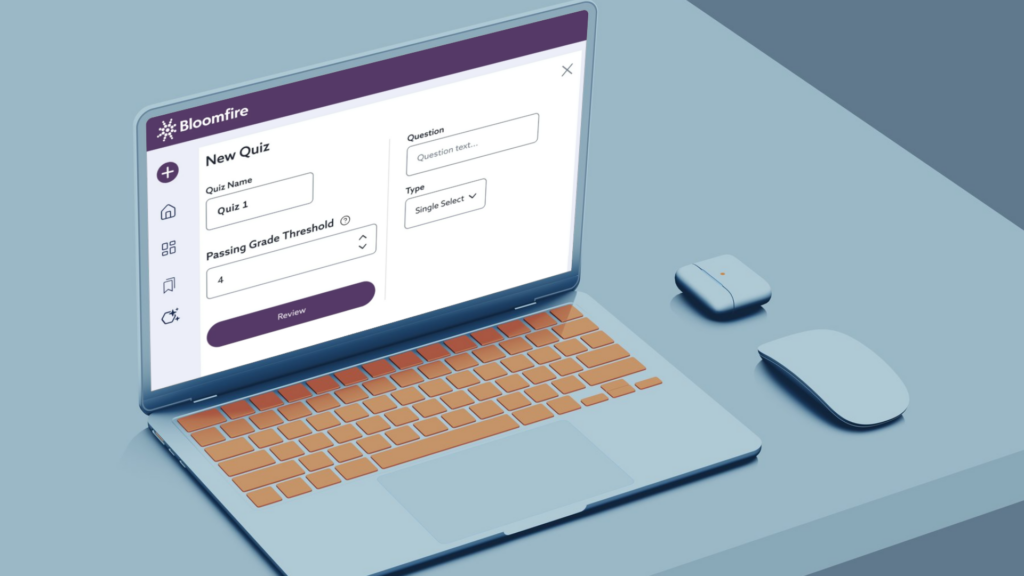
How Does Bloomfire Improve Knowledge Retention?
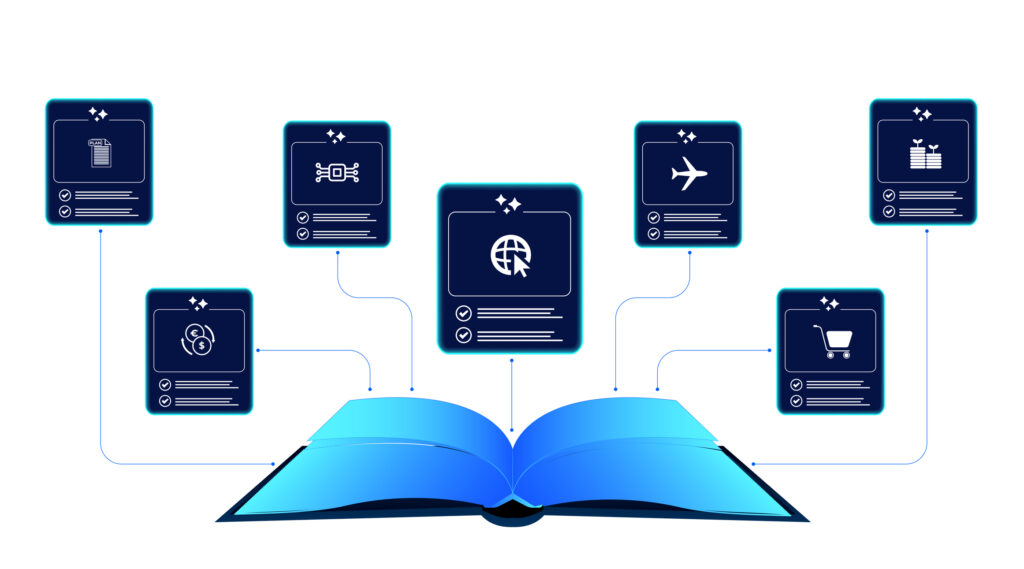
How Self-Healing Knowledge Bases Work: A Closer Look Into Bloomfire’s Content Reliability

Estimate the Value of Your Knowledge Assets
Use this calculator to see how enterprise intelligence can impact your bottom line. Choose areas of focus, and see tailored calculations that will give you a tangible ROI.

Take a self guided Tour
See Bloomfire in action across several potential configurations. Imagine the potential of your team when they stop searching and start finding critical knowledge.