
What Is Enterprise Search? A Simple Guide for Business Leaders

Sanjay Jain served as CTO of Bloomfire from July 2023 to September 2026, leading a visionary team responsible for developing our platform and advancing capabilities for digital knowledge workers. With a relentless commitment to innovation, Sanjay and his team empowered organizations to scan, search, select, synthesize, socialize, and signify their knowledge with the transformative power of AI.

Enterprise search solves a problem employees face at work every day. Workers spend roughly hours searching for information. The solution lies in enterprise search tools. These tools help people find exactly what they need, anywhere in their company. Everything from databases and document systems to paper records becomes easily accessible.
Enterprise search gives quick access to an organization’s information sources. This substantially reduces the time desk workers typically spend searching for documents–tasks that take up a third of their workday.
Read on to understand more about what enterprise search is, how it works, its main benefits, common use cases in industries of all types, and the features that matter most when choosing a solution.
What Is Enterprise Search?
Enterprise search is a specialized technology that allows employees to quickly find and retrieve information from all company systems and applications through a single interface. Unlike public search tools, it creates a searchable index of content from internal sources such as documents, databases, emails, wikis, intranets, and cloud platforms—while keeping security permissions intact.
This technology does more than match keywords. Modern knowledge management systems leverage enterprise search solutions to help users find information about specific topics, track search results for new developments, and extract meaningful insights based on certain criteria. This unified approach addresses a fundamental challenge many organizations face: the vast volume of information created and stored in disparate systems.
How enterprise search differs from web and site search
Enterprise search, unlike web and site search, is designed to crawl, index, and query vast amounts of proprietary, structured, and unstructured data stored across an organization’s secure network and applications. Both enterprise search and site search share some technical foundations, but differ in several key ways.
- Access and security: Web search works on the open internet, while enterprise search runs within a closed network with strict security protocols and permission controls
- Content types: Web search mainly indexes file-based content like HTML and PDFs, while enterprise knowledge search must handle various data types, including relational databases, directory services, and legacy systems
- User requirements: Enterprise search users need more complex, faceted search capabilities compared to web search’s keyword-based approach
- Customization: Enterprise knowledge search needs extensive customization to match an organization’s semantics, domains, and relevancy criteria
Site search is different from enterprise search mainly in scope. It only finds content within a specific website or application, while enterprise knowledge search covers multiple systems across an entire organization. Site search typically helps external users find public content, while enterprise search serves internal knowledge workers who need access to private organizational information.
How Does Enterprise Search Work
A complex technical infrastructure powers enterprise search beneath its accessible interface. Business leaders need to understand these mechanisms to make smart decisions about implementing and optimizing their search solutions.
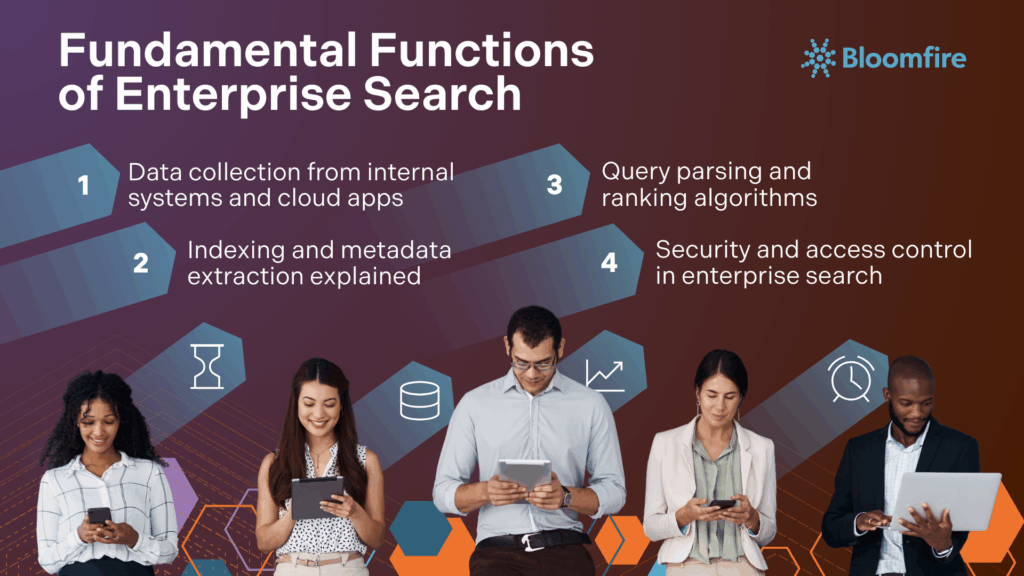
1. Data collection from internal systems and cloud apps
The first step in enterprise search is to gather information from across the organization. This exploration phase connects to all relevant data repositories, whether they exist on-premises or in the cloud.
The system uses connectors or Application Programming Interfaces (APIs) to access content from various sources, including:
- Document management systems and file shares
- Email servers and collaboration platforms
- CRM systems and databases
- Intranets and knowledge bases
- Cloud storage platforms
Data collection can be triggered manually, scheduled at specific times, or set to run automatically based on defined events. The system pulls both content and metadata while maintaining security protocols during this process.
2. Indexing and metadata extraction explained
The collected data goes through indexing—a vital part of enterprise search functionality. This process creates searchable indexes, similar to a detailed library catalog.
The system can index either the complete dataset or just new and modified content since the last update. Most enterprise search systems use three types of indexes:
- Full text indexes that track terms and their locations
- Structured indexes that hold metadata like titles, authors, and dates
- Semantic indexes that map meaning relationships between content
Metadata extraction plays a significant role because it adds context and structure to unorganized data. The system identifies key details like document type, author, creation date, and content categories automatically. Quality search results depend on proper metadata management—content becomes hard to find without it.
3. Query parsing and ranking algorithms
The system analyzes user search queries to understand what they want. Modern enterprise AI search platforms use advanced techniques such as:
- Natural Language Processing (NLP) to interpret conversational queries
- Query expansion to include related terms and synonyms
- Term weighting based on patterns and importance
After analyzing the query, ranking algorithms decide which results should appear first. These algorithms look at keyword frequency, document popularity, user permissions, and personalization based on the user’s role or past interactions. Advanced systems like Google’s RankBrain use AI to connect words with concepts, finding relevant content even without exact keyword matches.
4. Security and access control in enterprise search
Reliable security measures ensure users can only see information they have permission to access. Enterprise search systems use two main security approaches:
- Early binding: The system applies security filters during queries and indexes access rights with documents
- Late binding: The search finds all relevant documents but filters them based on permissions before showing results
Document-level security protects individual documents instead of entire repositories. This detailed control stops unauthorized access while keeping the search experience smooth. The enterprise search system must stay in sync with source systems to keep permissions current, usually updating within 1-24 hours.
The most secure systems use real-time permission updates and data encryption, creating multiple layers of protection without affecting the user experience.
5 Key Benefits of Enterprise Search for Organizations
Enterprise search implementation creates real business value in several ways. Companies that effectively adopt enterprise search and knowledge management technologies see major improvements in their operational efficiency, cross-departmental knowledge sharing, and overall business performance.
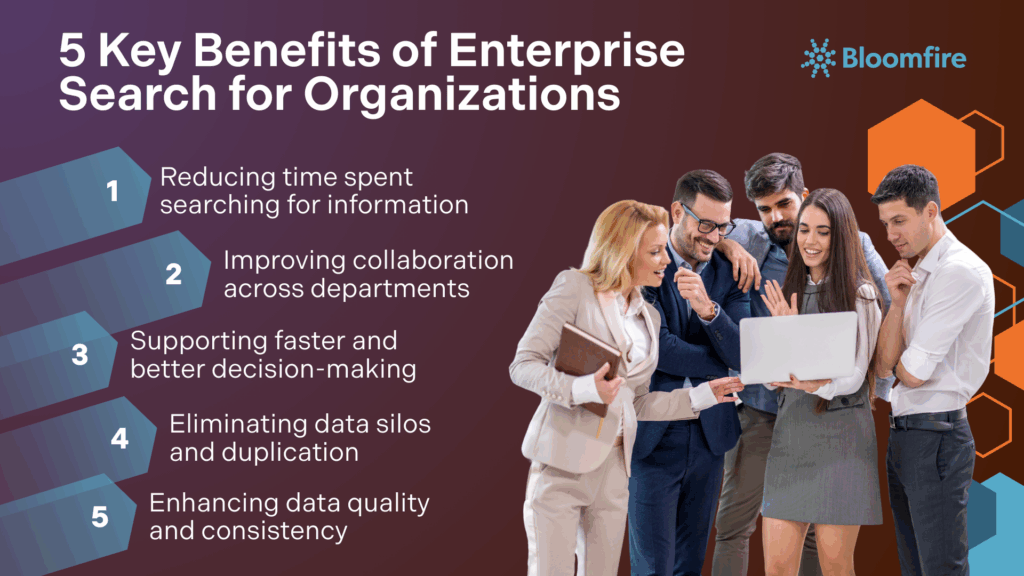
1. Reducing time spent searching for information
Workers spend 2.5 hours daily—about 30% of their workday—looking for information. This waste costs companies around $4,500 per employee each year. Time savings stand out as one of the quickest benefits that enterprise search software provides.
A McKinsey report shows that searchable knowledge records can cut information search time by up to 35%. These time savings directly contribute to the enterprise search market’s projected growth to $8.70 billion by 2030.
2. Improving collaboration across departments
Enterprise search tools break down information barriers between teams. Research proves that teams working together are five times more likely to perform better. These tools give different departments access to each other’s documents, reports, and insights, which encourages teamwork.
Teams can use each other’s knowledge—marketing learns from sales data, product development benefits from customer feedback—creating a more unified work environment. This approach creates smooth workflows and reduces workplace communication issues.
3. Supporting faster and better decision-making
Companies with strong knowledge management systems make critical decisions 60.5% faster and show a 31% increase in overall decision speed. Enterprise search gives leaders quick access to complete data from multiple sources, resulting in smarter strategic choices. Companies that use their data well are also 23 times more likely to get new customers, six times more likely to keep them, and 19 times more likely to make a profit.
4. Eliminating data silos and duplication
Almost 47% of digital workers have trouble accessing information they need for their jobs. Data silos hurt businesses through lost productivity, poor decisions, security risks, and higher storage costs. Enterprise search solves these problems by providing a single search system across all platforms. This integration prevents employees from doing duplicate work or creating documents that already exist.
5. Enhancing data quality and consistency
Enterprise search tools give employees reliable data from one central source. Data observability works with these systems to keep indexed information accurate, current, and complete. This careful attention to data quality brings many benefits: greater trust in information, major efficiency gains, and better teamwork across departments.
Common Use Cases of Enterprise Search in Organizations
Enterprise search is a critical tool deployed across various departments and industries to boost productivity and create efficient workflows. Examining concrete enterprise search examples shows its essential role in unlocking an organization’s full knowledge potential by establishing a unified search experience across all internal systems.
1. Customer Support and Service
Enterprise search provides agents with immediate access to troubleshooting guides, product manuals, and case histories. This helps reverse the trend of agents spending up to 75% of their time searching for information instead of solving problems. It also enables customer self-service through searchable customer support knowledge bases, which significantly reduces support volumes and boosts customer satisfaction. Agents can resolve issues faster by instantly retrieving customer information and relevant documentation.
2. Sales and Marketing
Sales representatives gain real-time access to critical content like pricing information, competitor battlecards, and product specifications during customer interactions, allowing them to respond quickly and confidently without awkward pauses. Marketing departments use enterprise knowledge search to analyze customer feedback, support tickets, and social mentions to spot emerging trends and customer sentiment. This analysis helps them create and execute more targeted campaigns.
3. HR and Recruitment Workflows
Enterprise search improves various human resource processes. Specifically, the enterprise knowledge search benefits for HR teams are evident in key areas like onboarding and employee self-service.
New hires get on-demand access to training resources and company policies during onboarding. Employees can find answers to common HR questions like “What’s our parental leave policy?” or “How many PTO days do I have left?” through self-service portals.
For recruitment, large companies can better handle high volumes of applications by matching candidates with job descriptions. HR professionals can also quickly find employee information such as skill sets and work locations.
4. Internal Document and Intranet Search
This function addresses the issue of employees spending significant time looking for information. Enterprise search creates one central access point for company knowledge, connecting sources like email servers and cloud storage. This unified approach removes information silos and ensures teams work with current versions of shared folders and project files, improving overall productivity.
5. Legal and Compliance
Legal teams depend on enterprise search to retrieve critical documentation during audits, investigations, or e-discovery processes. It connects directly to case law, regulatory services, and document management systems while maintaining strict security protocols. This capability is vital for compliance and can dramatically reduce document retrieval time.
6. Business Intelligence (BI) and Operational Efficiency
Enterprise search’s ability to analyze large-scale data and identify trends is invaluable for business intelligence applications, especially when integrated with generative AI capabilities. Real-world applications have shown that integrating search software with existing tools can result in improved decision-making, faster customer inquiry responses, and overall operational efficiency throughout the organization’s operations.
The Enterprise Search Strategic Advantage
Organizations generate massive amounts of information, yet only a small percentage of that content is readily available to all workers. Enterprise search addresses this vital need for accessibility. Companies that implement enterprise search well gain a competitive edge through streamlined processes, improved collaboration, and informed decision-making. Business leaders navigating today’s complex information landscape will find few technologies offering such immediate and lasting value.
This content was originally posted in July 2024, and was updated with fresh content in December 2025.
Find Knowledge Instantly!
Stop toggling apps! See how AI-powered enterprise search unifies your data for faster answers.
Learn More
Site search only indexes the content of a single website (like a company’s public webpage). Enterprise search indexes content across all of a company’s systems, applications, file shares, and cloud services.
It can index structured data (from databases), unstructured data (documents, PDFs, emails, videos), and semi-structured data from sources like Bloomfire, Dropbox, Salesforce, internal wikis, and various proprietary applications.
Modern enterprise search often uses AI and machine learning for features like natural language processing (NLP) to understand complex queries, ranking results based on relevance and user behavior, and providing generative AI summaries of documents.
Success is typically measured using metrics like Search Success Rate (how often a user finds what they need), Time Saved per Search, Search Abandonment Rate, and Result Relevancy Score (the quality of the results returned).
The biggest challenges typically involve managing siloed systems (integrating dozens of disparate tools), ensuring accurate and consistent metadata, and maintaining strict real-time security synchronization across all data sources.
Sanjay Jain served as CTO of Bloomfire from July 2023 to September 2026, leading a visionary team responsible for developing our platform and advancing capabilities for digital knowledge workers. With a relentless commitment to innovation, Sanjay and his team empowered organizations to scan, search, select, synthesize, socialize, and signify their knowledge with the transformative power of AI.

Why Are Your AI Agents Only as Good as Your Knowledge Base?

How Does Bloomfire Improve Knowledge Retention?
How Self-Healing Knowledge Bases Work: A Closer Look Into Bloomfire’s Content Reliability

Estimate the Value of Your Knowledge Assets
Use this calculator to see how enterprise intelligence can impact your bottom line. Choose areas of focus, and see tailored calculations that will give you a tangible ROI.

Take a self guided Tour
See Bloomfire in action across several potential configurations. Imagine the potential of your team when they stop searching and start finding critical knowledge.