
6 Best Sales Knowledge Management Systems in 2026

Sales reps lose time searching for information, digging through shared drives, pinging colleagues on Slack, and waiting on a subject-matter expert to respond before the next call. The product one-pager lives in someone’s Downloads folder. The competitive battlecard was updated two weeks ago, but nobody knows where the current version is. A new hire has been on the job for three weeks and still can’t confidently articulate the pricing tiers without asking.
A good knowledge management (KM) system eliminates all of that friction. It puts product details, competitor intel, sales playbooks, objection-handling guides, and onboarding content in one searchable, governed place. Here are the top sales KMS you can consider:
- Best for knowledge governance and cross-team insights: Bloomfire
- Best for in-workflow answers for support and sales: Guru
- Best for teams integrated into the Atlassian ecosystem: Confluence
- Best for unifying shared sales and CS knowledge: Salesforce Knowledge
- Best for contact-center-heavy sales and service teams: eGain
- Best for sales teams needing content and coaching: Highspot
What follows is an honest look at the best sales-focused knowledge management systems available in 2026. Learn what they do well, where they fall short, and who each one is realistically built for.
Best Sales Knowledge Management Solutions Overview
| Platform | Artificial Intelligence (AI) Search | CRM Integration | Tacit Knowledge Capture | Workflow Embedding | Pricing |
|---|---|---|---|---|---|
| Bloomfire | Cited, conversational AI answers | Salesforce, Dynamics, Teams, Slack | Q&A workflows, Learn & Confirm | Salesforce, Teams, Slack, Zendesk | Custom |
| Guru | Semantic retrieval, cited answers | Salesforce, Slack, Teams | Limited at scale | Browser extension, Slack, Teams | From $25/seat/month |
| Atlassian Confluence + Rovo | Rovo cross-app search and summarization | Via integrations | Less mature than other dedicated KM platforms | Jira, Loom, no-code automation | From ~$5.16/user/month |
| Salesforce Knowledge | Agentforce AI-assisted answers | Native CRM integration | Not a primary use case | Native within Salesforce | Included with Agentforce for Service |
| eGain AI Knowledge Hub | Semantic search, knowledge graph support | Salesforce, Dynamics, ServiceNow | Limited outside CX workflows | Genesys, Five9, Salesforce, ServiceNow | Custom |
| Highspot | Nexus AI content recommendations | Salesforce, Dynamics (bi-directional) | Coaching-focused; limited tacit capture | Salesforce, Teams, email/calendar | Custom |
1. Bloomfire: Best for Knowledge Governance and Cross-Team Insights

The 2026 Guide to Enterprise Intelligence Systems, authored independently by Dr. Anthony J. Rhem, ranked Bloomfire highest among all knowledge management platforms evaluated, with an overall score of 8.5/10. Where many KM platforms focus narrowly on content storage or search, Bloomfire is built around the full intelligence cycle. It captures, governs, surfaces, and operationalizes knowledge at enterprise scale.
For sales teams specifically, the practical impact is significant. Reps stop repeating the same questions to the same subject-matter experts, because those answers already exist in a searchable, verified repository. Plus, new hires onboard faster because the institutional knowledge that usually lives in a veteran’s head is captured, indexed, and retrievable.
While these enterprise capabilities provide clear operational advantages, maximizing Bloomfire’s value requires weighing its distinct strengths against potential implementation challenges.
Bloomfire Pros and Cons
| Pros | Cons |
|---|---|
|
|
| Explore Bloomfire | |
The platform’s Synapse returns direct, cited answers to natural-language queries rather than a list of potentially relevant documents. Ask it who handles renewal pricing for enterprise accounts, and it pulls the answer from a verified source with a link, rather than offering 10 documents to sift through. With duplicate and contradiction detection running continuously in the background, Synapse flags conflicting content before it reaches a rep mid-call.
Salesforce, Slack, Microsoft Teams, Box, Google Drive, and Zendesk are all native integrations, which means knowledge stays inside the tools where sales work actually happens. The Learn & Confirm feature adds a layer that most KM platforms lack entirely: it verifies that reps have actually read and understood updated content, not just that it was published.
The limitation most commonly cited is pricing transparency. Bloomfire operates on custom enterprise pricing with no published tiers. Organizations need to contact sales for a quote, which adds friction to the initial evaluation. Some users have also noted that advanced analytics could be more in-depth, and that branding customization options are more constrained than some enterprise buyers would prefer.
Key Features of Bloomfire
Bloomfire’s feature set is built on the idea that knowledge should reach people when they need it, not after a search session and three Slack messages. Sales teams may find these capabilities impactful.
- Synapse with cited answers: Bloomfire’s conversational AI, Synapse, returns direct answers to natural-language queries, each sourced from verified content with a clickable citation. Reps get the answer and the source in one step, rather than a list of potentially relevant documents to evaluate on their own.
- Self-healing knowledge base: Duplicate detection, contradiction detection, and automatic revalidation run continuously, flagging outdated or conflicting content before it reaches a rep. Authors are prompted to update or archive, reducing the manual governance overhead that causes most knowledge bases to degrade over time.
- Learn & Confirm: Reps don’t just receive updated content — they confirm they’ve read and understood it. For sales teams managing frequent product changes, pricing updates, or compliance requirements, this closes the gap between publishing information and verifying that it has actually been absorbed.
- Deep indexing across content types: Bloomfire indexes across formats, including slides, PDFs, audio, and video, making content findable regardless of how it was originally created or uploaded. A recorded call, a training deck, and a written playbook all surface in the same search.
- Q&A workflows for tacit knowledge capture: Sales expertise that lives in a veteran rep’s head can be captured through structured Q&A contributions and converted into searchable, reusable organizational assets — reducing dependency on individual knowledge holders and strengthening institutional memory.
These features address the core failure mode of most sales knowledge systems, mainly content that exists but can’t be found, trusted, or confirmed as current. Bloomfire’s architecture is oriented toward continuously closing that gap, not just at deployment.
Bloomfire Pricing
Bloomfire operates on a custom pricing model with no publicly published tiers. Pricing is tailored to organizational scale, user count, and the specific use cases being addressed, which means there is no self-serve path to a quote. Teams with a clear understanding of what they need and the scale at which they operate will find the custom model allows the value conversation to be specific rather than generic.
What Users Are Saying About Bloomfire
Bloomfire’s strongest praise centers on its AI-powered search experience and the way it reduces the daily burden of finding information across departments. On G2, one reviewer noted that Bloomfire’s AI-powered search helps surface relevant content instantly, even across large volumes of posts and documents, crediting it with cutting down repetitive questions and saving time during new team member onboarding.
On Capterra, reviewers frequently highlight the combination of ease of use, AI features, and integrations with Salesforce, Teams, and SharePoint. One reviewer described it as a one-stop shop for supporting departments to access the information they need. Another called out the Learn & Confirm feature as one of the most exciting recent additions, specifically for its value in training and content authorship contexts.
Critical feedback is relatively rare but consistent in theme. A small number of reviewers note that the customization options for branding and layout could be more flexible. On Gartner Peer Insights, where Bloomfire holds a 4.7/5 rating, reviewers praise the platform as a hub that consolidates cross-functional knowledge while keeping it organized and searchable.
Ratings: G2: 4.6/5 · Gartner Peer Insights: 4.7/5 · Capterra: 4.4/5
2. Guru: Best for In-Workflow Answers for Support and Sales
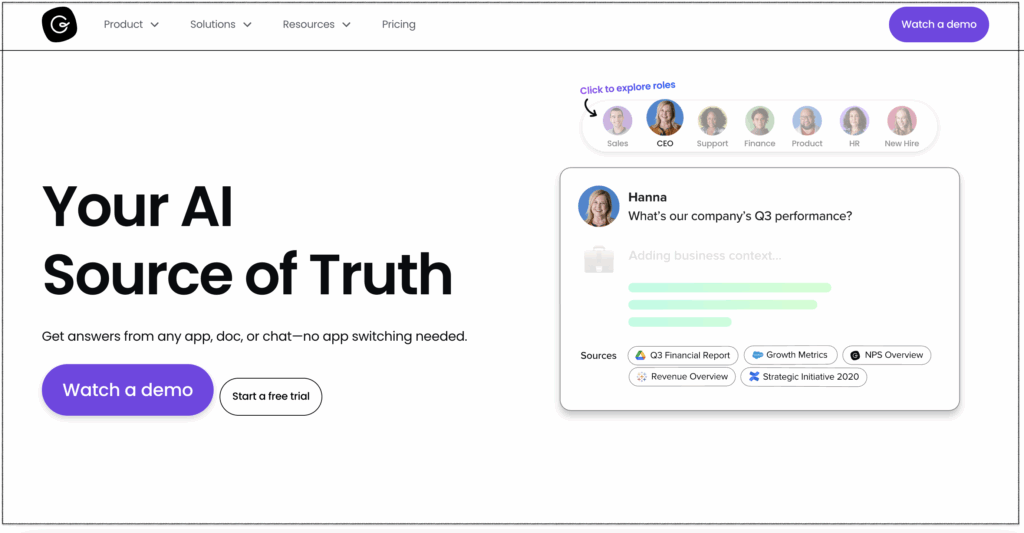
Guru delivers relevant information directly to support and sales teams within their existing digital workspaces. Instead of forcing agents or representatives to navigate away from customer conversations to search an external database. It uses browser extensions and AI-driven search capabilities to instantly surface verified answers, card-based documentation, and standard operating procedures.
The platform relies on a distributed verification workflow to maintain information accuracy over time. Subject-matter experts within an organization receive automated reminders to review, update, or re-verify specific knowledge assets. For sales teams, this means product specifications, competitive intelligence, and pricing tiers remain reliable during active negotiations.
Guru Pros and Cons
| Pros | Cons |
|---|---|
|
|
| Learn More | |
Guru’s core proposition is to give reps verified answers within the tools they’re already using, without requiring them to navigate elsewhere. The browser extension is the signature feature, surfacing relevant knowledge cards as reps work in Salesforce, Gmail, or any other web-based tool, reducing context switching to near zero.
The verification workflow is differentiated. Every card has an assigned expert who is periodically prompted to review and re-verify the content. Cards that aren’t verified are flagged, keeping the knowledge base from quietly accumulating stale information over time.
Where Guru shows limits is at the edges of the Enterprise Intelligence framework. Evidence for meeting transcription, expert mapping, and tacit knowledge capture at scale is limited. The card format that makes Guru so scannable also constrains it with long-form documentation, complex product specs, or nuanced sales playbooks that don’t fit neatly into cards.
Key Features of Guru
Guru is designed around a specific, well-defined problem: sales and support reps give inconsistent answers because they can’t find verified information fast enough within the tools they’re already using. Its feature set addresses that problem directly.
- Browser extension with in-context delivery. Guru’s Chrome extension surfaces relevant knowledge cards automatically as reps work inside Salesforce, Gmail, Zendesk, or any other web-based tool.
- Verification workflows. Each knowledge card has an assigned subject-matter expert who is periodically prompted to review and re-verify its content. Cards past their verification date are flagged, giving users a clear signal about content freshness before they rely on it.
- AI Knowledge Agents and cited search. Guru’s AI search returns answers with citations, drawing on verified content from connected sources. Knowledge agents can conduct enterprise-wide searches and surface relevant content across Slack, Google Workspace, Salesforce, and other integrated tools.
- Collections and boards. Content is organized into boards and collections that can map to deal stages, product lines, personas, or teams, making it faster for reps to navigate to the right knowledge cluster without needing to know an exact file name or keyword.
- Slack and Teams integration. Sales reps can query the Guru knowledge base directly from Slack or Teams without switching tabs, and knowledge contributions can be captured from within those channels, lowering the barrier to getting field insights into the system.
For sales teams whose core pain is context switching and inconsistent answers, Guru’s in-workflow delivery model addresses the problem at the point of friction rather than asking reps to change their behavior.
Guru Pricing
Guru offers transparent, seat-based pricing starting at $25 per seat per month (billed annually), which includes AI Knowledge Agents, verified AI search, and built-in AI usage limits. Enterprise plans are available at custom pricing for larger organizations that require advanced governance, dedicated support, and expanded security controls.
What Users Are Saying About Guru
Guru earns consistent praise for delivering trusted knowledge without pulling reps out of their workflow. On Gartner Peer Insights, one reviewer highlighted the platform’s ability to surface verified knowledge directly within workflows as a time-saver, reducing errors and helping new employees ramp up quickly.
Reviewers also frequently call out the intuitive interface and the value of the browser extension, with one user describing how Guru solves the problem of repeated questions by providing answers from a single trusted source. The browser extension in particular receives strong marks for enabling reps to find and capture knowledge without switching away from their active tab.
The consistent complaint is that search quality depends heavily on how well content is tagged and maintained. Multiple reviewers note that as the knowledge base grows, finding specific information becomes harder, particularly when similar cards exist or tagging is inconsistent. The card format also draws criticism for feeling limited when teams need to document long-form or highly technical content.
Ratings: G2: 4.7/5 · Gartner Peer Insights: 4.7/5 · Capterra: 4.8/5
3. Confluence: Best for Teams Integrated Into the Atlassian Ecosystem
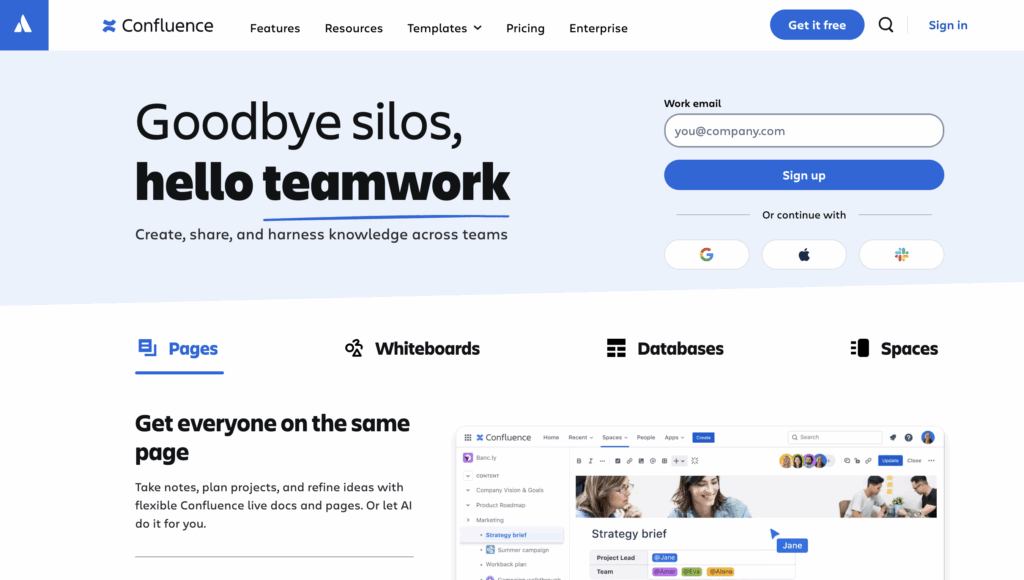
Confluence is not a purpose-built sales KM tool, but it’s worth including because many sales teams already live inside Atlassian environments alongside engineering and product teams. Because it belongs to the Atlassian suite, the platform offers native integrations that allow team members to link project requirements directly to Jira tasks or embed live development roadmaps into their documentation.
Its deep internal connectivity removes the need for manual context-switching, ensuring that product managers, engineers, and QA teams can track the progress of software deployments right alongside their text-based knowledge guides. However, determining whether this engineering staple can effectively serve a sales organization requires weighing its specific advantages and drawbacks.
Confluence Pros and Cons
| Pros | Cons |
|---|---|
|
|
| Learn More | |
With the addition of Rovo, Atlassian’s AI assistant, Confluence has improved significantly as a knowledge-retrieval surface. The governance controls, via Atlassian Guard, are enterprise-grade. Single sign-on (SSO), multi-factor authentication (MFA), audit logs, and space-level permissions all hold up under scrutiny.
The gaps that matter most for sales teams are structural. Expertise mapping and people-knowledge capabilities are less mature than dedicated KM platforms. Without strong content governance discipline, which requires ongoing admin effort, search relevance and page organization degrade over time.
Key Features of Confluence
Confluence’s value for sales teams is strongest when the organization already runs on the Atlassian stack. In that context, several capabilities translate directly into sales productivity.
- Rovo AI cross-app search. Rovo searches across Confluence, Jira, Loom, and connected third-party sources to surface context-aware answers in natural language. For sales teams that need to pull together documentation from multiple systems, Rovo reduces the need to navigate each tool separately.
- Structured spaces and page hierarchy. Sales teams can organize content into dedicated spaces for enablement materials, product documentation, onboarding guides, and competitive intel, with nested page structures that scale as the content library grows.
- Jira linkage. Pages link directly to Jira issues, epics, and projects, so sales teams working alongside product and engineering teams can trace documentation back to specific deliverables, timelines, and tickets. For organizations where sales need to stay close to the product roadmap, this connection reduces information lag.
- Atlassian Guard governance. Enterprise-grade security and compliance controls, including SSO/MFA, audit logs, and role-based space permissions, give IT and compliance teams confidence about who can access sensitive content. It is an important consideration for sales teams managing pricing data, deal terms, or customer-specific materials.
- Templates and AI writing assistance. Confluence’s built-in template library and AI writing tools help sales contributors create structured, well-formatted documentation faster, including meeting notes, product updates, and process guides, without requiring significant formatting effort.
If you’re a sales team already invested in the Atlassian ecosystem, Confluence provides a coherent knowledge layer that stays connected to where work actually happens. Teams operating outside that ecosystem will find the value proposition thinner, since the platform’s strongest features depend on Jira and the broader Atlassian toolchain.
Confluence Pricing
Confluence’s Cloud Standard plan starts at approximately $5.16 per user per month (billed annually), making it one of the more affordable entry points on this list. The Premium plan costs around $10.44 per user per month and includes analytics, additional automation, and enhanced admin controls.
Enterprise is available at custom pricing and includes unlimited sites, data residency options, and dedicated support. The headline pricing, however, understates the real cost for most enterprise deployments. Atlassian Guard, which provides the advanced security and governance controls most enterprise teams require, is a separate subscription.
Marketplace add-ons for advanced diagramming, reporting, or custom automation can also meaningfully increase the total cost of ownership beyond what the base plan suggests. Therefore, auditing these hidden tool dependencies early is essential for accurate budget forecasting.
What Users Are Saying About Atlassian Confluence
Confluence’s strongest review signals center on its Jira integration and its value as a centralized documentation hub for teams already operating in the Atlassian ecosystem. It is cited as a strong platform for documenting processes, decisions, risks, and project artifacts at scale and is particularly effective when paired with Jira to provide traceability from execution to documentation.
The recurring criticism centers on formatting limitations and inconsistent behavior, with several reviewers noting that it feels more restrictive than Google Docs for everyday writing tasks. Without strong governance discipline from the start, pages and spaces can quickly sprawl, making navigation difficult for users who didn’t set up the original structure. Search functionality also draws mixed marks, as it works well with known keywords but struggles with broader or older queries.
Ratings: G2: 4.1/5 · Gartner Peer Insights: 4.4/5 · Capterra: 4.5/5
4. Salesforce Knowledge: Best for Unifying Shared Sales and Customer Service Knowledge
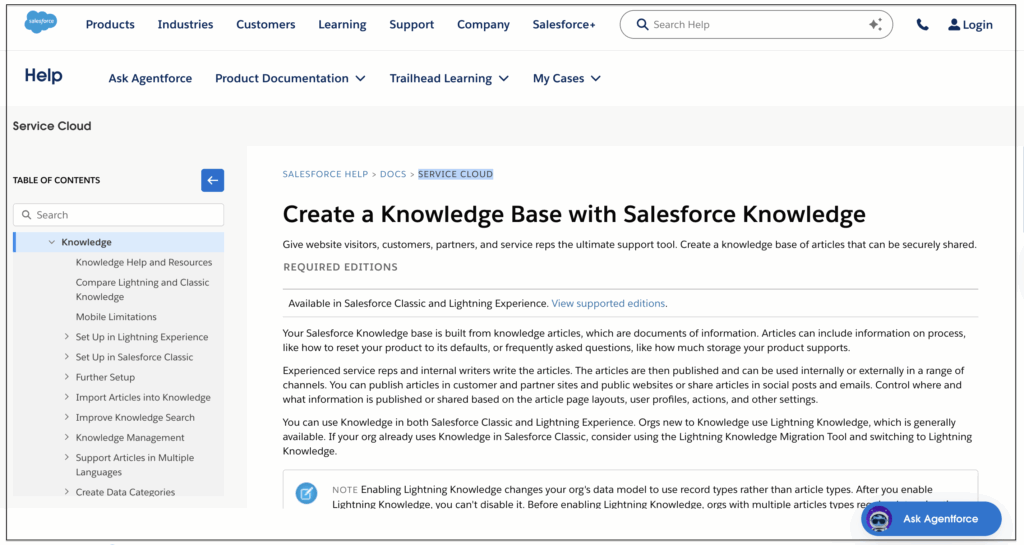
Salesforce Knowledge serves as a centralized repository that bridges the gap between sales and customer support teams. Storing product details, troubleshooting guides, and customer histories in a single platform ensures that both departments reference the same information.
When a sales representative needs to verify a specific product capability during a pitch, or a service agent needs to resolve a complex technical issue, they access the same database. This shared access eliminates information silos, reducing internal friction and ensuring that customer-facing roles maintain a unified approach to client interactions.
Salesforce Knowledge Pros and Cons
| Pros | Cons |
|---|---|
|
|
| Learn More | |
Salesforce Knowledge, now part of the Agentforce for Service suite, makes most sense for organizations where the CRM is already the center of gravity for customer-facing teams. Knowledge articles live inside Salesforce and surface natively during case handling or sales conversations. No integration required, because there’s no gap to bridge.
For pure sales enablement, the case is less compelling. Salesforce Knowledge is optimized for structured support content, articles, FAQs, and resolution guides, rather than the broader mix of battlecards, call recordings, competitive intel, and market research that sales teams typically need.
The governance model is solid, the analytics are useful, and AI-assisted content suggestions via Agentforce are improving. But organizations looking for a KM layer that spans beyond CRM-native content will find it insufficient as a standalone system.
Key Features of Salesforce Knowledge
Salesforce Knowledge’s value for sales teams comes almost entirely from how naturally it fits into existing Salesforce workflows. For organizations where reps live inside the CRM, the proximity of knowledge to customer data is a real advantage.
- Native CRM knowledge surfacing. Knowledge articles appear directly within Salesforce records, on cases, opportunities, accounts, and contact pages, so reps can access relevant information without leaving the environment where they’re already working. There’s no integration to maintain because there’s no boundary to cross.
- Agentforce AI-assisted answers. Agentforce generates responses directly grounded in Knowledge content, so AI outputs are tied to approved, version-controlled articles rather than unverified model outputs. Reps get answers that are both AI-generated and anchored to the organization’s institutional knowledge.
- Article lifecycle management. Version control, review workflows, and article expiry settings keep the knowledge base current without requiring manual audits. Content owners receive prompts when articles are due for review, and outdated content can be automatically archived or flagged.
- Analytics and usage dashboards. Salesforce Knowledge provides visibility into which articles are accessed most frequently, which queries go unanswered, and how knowledge usage tracks against case resolution rates, giving enablement and ops teams a data-driven basis for content decisions.
- Omnichannel delivery. Knowledge articles can surface across Salesforce’s omnichannel environment, through Service Cloud, the Experience Cloud portal, and AI-powered self-service flows, meaning the same content that supports reps internally can also be delivered to customers through self-service channels.
For organizations where sales and service operate from the same Salesforce environment, these features reduce duplication and keep knowledge aligned with the live CRM context. For teams with significant content needs outside Salesforce, the native-only architecture becomes a constraint rather than an advantage.
Salesforce Knowledge Pricing
Salesforce Knowledge is included in the Agentforce for Service suite. This means organizations already licensed for Salesforce’s service products can access it without additional per-feature cost.
Salesforce does not publish flat per-seat rates for most of its enterprise products. Additionally, the total cost of deploying Agentforce for Service across a sales and service organization typically involves a sales conversation with a Salesforce account executive.
What Users Are Saying About Salesforce Knowledge
Salesforce Knowledge earns its strongest reviews from teams that rely heavily on Salesforce as their daily operating environment. Reviewers highlight the value of having knowledge articles surface naturally within the same interface where case management and customer interactions happen, reducing the need to switch between systems.
The main criticism is that Salesforce Knowledge is a capable tool within the Salesforce universe, but it becomes limiting the moment a team needs to manage content that lives outside it. Reviewers note that setup and permissions can be complex, and that the tool requires dedicated admin investment to configure effectively. A smaller number of reviewers flagged that the knowledge authoring experience is less intuitive than that of purpose-built KM platforms, making content creation and maintenance feel more administrative than necessary.
Ratings: G2: 4.3/5 · Gartner Peer Insights: 4.3/5 · Capterra: 4.4/5
5. eGain: Best for Contact-Center-Heavy Sales and Service Teams
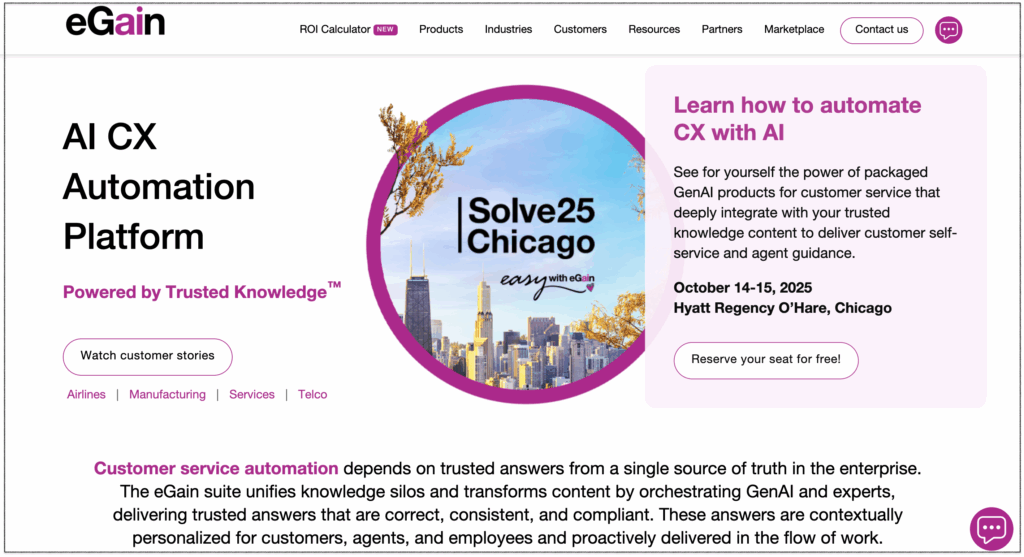
eGain excels as a specialized KMS for enterprises that tightly integrate their sales and customer service operations within high-volume contact centers. This platform leverages a central AI-powered knowledge base that serves both inbound service agents and outbound sales representatives simultaneously. It unifies customer data across touchpoints, ensuring that the information provided to a prospect aligns perfectly with their previous support history.
The platform guides sales reps through reasoning workflows and interactive decision trees, helping them handle objections and qualify leads efficiently during live calls. This structured approach accelerates onboarding for new hires, enabling them to manage sophisticated product portfolios without lengthy training.
eGain Pros and Cons
| Pros | Cons |
|---|---|
|
|
| Learn More | |
eGain earned high marks for governance, workflow embedding, and unstructured knowledge intelligence, especially in contact center environments. Customers have reported 37% higher first-contact resolution and 50% faster speed to competence, translating into real value for inside sales and hybrid sales/support teams.
The platform’s strength is also its constraint. eGain is purpose-built for customer experience and contact center intelligence. Organizations looking for a KM layer that serves broader enterprise needs, beyond CX workflows, will find the evidence base thinner outside that domain.
For a sales team operating within a larger service organization, or one where compliance and governed knowledge delivery are non-negotiable, eGain is a serious option. For a pure sales enablement use case, the configuration investment required and the CX-specific orientation may not justify the cost.
Key Features of eGain
eGain’s feature set is engineered for environments where knowledge accuracy, governed delivery, and agent performance are tightly linked. For inside sales and hybrid service/sales teams, several capabilities directly address the challenges of fast-paced, compliance-sensitive workflows.
- AI-powered semantic search and guided help. eGain’s search combines semantic understanding with guided decision trees, helping agents and reps find accurate answers to complex queries through multiple pathways rather than relying on a single retrieval method.
- Governed knowledge delivery with review workflows. Content goes through structured authoring, versioning, and approval workflows before it reaches agents or reps. Role-based permissions control who can create, edit, approve, and access knowledge, ensuring that what surfaces in a sales or service conversation has been validated rather than self-published.
- Out-of-the-box CX connectors. Native integrations with Salesforce, Microsoft Dynamics, ServiceNow, Genesys, and Five9 embed eGain knowledge directly inside the desktops agents and reps already use, without custom development or middleware. For organizations running these platforms, the connector model significantly reduces deployment complexity.
- AI Agent and Composer. eGain’s AI Agent automates routine knowledge discovery and content delivery, while the Composer tool assists authors in creating, refining, and optimizing content across the full knowledge lifecycle, from creation through curation, delivery, and performance analysis.
- Knowledge analytics and performance reporting. eGain tracks how knowledge is used, which articles effectively resolve queries, and where gaps or inconsistencies exist. For sales and service operations teams, this visibility supports continuous improvement of the knowledge base rather than periodic manual audits.
For organizations where speed-to-competence, compliance, and consistent answer quality are the primary drivers, these capabilities address the problem at depth rather than at the surface level. The configuration investment required to activate them fully is real, but the ROI evidence in contact center environments is among the strongest of any platform evaluated.
eGain Pricing
eGain operates on a fully quote-based pricing model with no standard published tiers. Costs are customized based on organizational size, the specific modules required, the volume of content and users, and the level of integration with existing CRM and CCaaS platforms. There is no self-serve evaluation path, and organizations interested in a deployment need to engage the eGain sales team directly for a tailored proposal.
What Users Are Saying About eGain
eGain’s reviews reflect a platform that delivers genuine value when deployed in the right context. Its AI-powered search and guided help tools empowered some reviewers to find accurate answers quickly, reducing support escalations. There’s also an emphasis that the platform continues to evolve with their needs, which they cited as a key factor in the long-term value of the relationship.
Some reviewers observed that the platform tends to focus on complexity and the investment required before value is fully realized. Several reviewers noted that the implementation and configuration process is demanding, with one reviewer recommending bringing in a consultant for on-site support during setup.
Ratings: G2: 4.1/5 · Gartner Peer Insights: 4.8/5 ·
6. Highspot: Best for Sales Teams Needing Content and Coaching

Highspot bridges the gap between sales enablement content and execution. The platform centralizes marketing collateral, case studies, and product documentation, ensuring that revenue teams can instantly access the most relevant assets during critical stages of the deal cycle. Its advanced search capabilities and semantic indexing allow reps to find precise information without wading through fragmented drive folders.
Training and development represent the other core pillar of this platform’s utility for sales organizations. Highspot embeds guided selling playbooks and interactive coaching modules alongside its content repository, allowing managers to scale their onboarding and continuous training efforts.
Sales reps can practice pitches through video reflections, receive targeted feedback, and master complex product knowledge in the same interface they use to access customer-facing materials. This dual focus on asset management and skill reinforcement ensures that frontline reps possess both the exact data and the conversational proficiency required to drive revenue.
Highspot Pros and Cons
| Pros | Cons |
|---|---|
|
|
Highspot has long been one of the two dominant names in sales enablement, and as of February 2026, it is in the process of merging with Seismic under the Seismic brand. Both platforms continue to operate independently while the deal clears regulatory review, but prospective buyers should factor in ongoing integration when making any long-term platform decisions.
As a standalone product, Highspot’s core strength is making the right content findable and measurable. The Spots system organizes content by deal stage, persona, or product line rather than generic folder hierarchies, which shortens the time reps spend hunting for the right deck or battlecard. The Nexus AI engine goes further, surfacing content recommendations based on buyer signals and deal stage, and flagging stale assets through governance scorecards so admins can clean up the library without manual audits.
G2 user satisfaction slightly favors Highspot for ease of use when compared to Seismic, and implementation timelines tend to be shorter, roughly 4–8 weeks versus Seismic’s 8–16. The most common criticism is that Spots become unwieldy at scale without dedicated admin governance, and customization options feel limited for teams with highly specific workflow needs.
Key Features of Highspot
Highspot is built around the idea that content alone isn’t enough. Sales reps need to know which content to use, when to use it, and how to use it effectively. Its feature set reflects that philosophy, connecting content management to coaching, analytics, and buyer engagement in a single workflow.
- Spots for contextual content organization. Rather than organizing content in generic folder hierarchies, Highspot’s Spots system groups materials by deal stage, product line, persona, or use case, making it faster for reps to navigate to the right asset during an active sales cycle without needing to remember exact file names.
- Nexus AI content recommendations. The Nexus AI engine analyzes buyer signals, deal context, and historical performance data to surface the most relevant content for each situation. Reps receive proactive recommendations rather than having to guess which deck or one-pager will resonate best with a specific prospect.
- AI Role Play and skills coaching. Reps can practice pitches, objection handling, and discovery calls against an AI-simulated buyer and receive scored feedback. Managers gain visibility into reps’ skill gaps and coaching opportunities without having to sit in on every call.
- Bi-directional Salesforce integration. Highspot syncs engagement data directly to Salesforce opportunity timelines, recording which content was shared and viewed, and how long buyers spent with it, giving sales managers and RevOps a data-driven view of content’s influence on the pipeline without manual reporting.
- Content governance scorecards. Admins receive automated signals when content is stale, underperforming, or out of compliance. Bulk archive, update, and expiry actions can be performed directly from the insights view, reducing manual overhead for maintaining a large content library.
For sales organizations where content adoption and rep development are both operational priorities, Highspot’s integrated approach to content management and coaching addresses both together rather than requiring separate platforms for each function.
Highspot Pricing
Highspot does not publish standard pricing and requires a custom quote from its sales team. Estimates from third-party procurement platforms suggest a 3-year total cost of ownership for a 50-user team of approximately $227,000, with implementation costs typically ranging from $10,000 to $50,000, depending on scope and integration complexity.
What Users Are Saying About Highspot
On Gartner Peer Insights, one Highspot reviewer praised the platform’s intuitive user interface and powerful integrations, noting that they make organizing complex content both appealing and easily searchable. Another reviewer pointed to Highspot’s consistent delivery of real-time analytics, enabling sales managers to provide accurate, timely feedback to their teams.
The critical feedback gravitates toward two areas: search precision and content governance overhead. Several reviewers noted that search can struggle when queries don’t match exact keywords, and that keeping the content library well-organized as it scales requires sustained admin effort. A smaller number of reviewers noted that the mobile experience lags behind the desktop in speed and functionality.
Ratings: G2: 4.7/5 · Gartner Peer Insights: 4.7/5 · Capterra: 4.6/5
What to Look for in a Sales Knowledge Management System
The right tool depends heavily on where your most expensive problem actually lives. Not every KM tool is built with sales in mind. Internal wikis, customer-facing help centers, and HR documentation platforms all get lumped into the same category, but the requirements for a sales team are distinct:
- Fast, accurate search. Reps need answers in seconds, not minutes. A platform that requires browsing folder hierarchies or remembering exact file names fails the primary use case.
- Content that stays current. Outdated pricing, discontinued features, and stale competitive data actively damage sales conversations. The system needs governance mechanisms, not just hope to keep information accurate.
- CRM and workflow integration. Knowledge that requires reps to leave Salesforce or switch browser tabs sees dramatically lower adoption than knowledge that appears in context.
- Ease of contribution. If capturing and sharing knowledge requires meaningful technical effort, most reps won’t do it. The best platforms make contributing as natural as answering a Slack message.
- Analytics that identify gaps. Knowing which questions go unanswered, or which content nobody reads, is as valuable as the content itself.
No tool solves all of this equally well. The organizations that get the most from knowledge management spend time identifying their highest-cost knowledge gap first, and then select a platform that addresses that gap without overpaying for capabilities they won’t use.
The Best Sales Knowledge Management Solution For You
The best sales KM system is the one your team actually uses, which means it has to be fast, trustworthy, and present in the tools where selling happens. Getting that right is worth the time spent evaluating. A rep who finds the right answer in 30 seconds closes more deals than one who spends 20 minutes looking for it. If you are looking for a platform that checks every one of these boxes while delivering an unmatched AI-driven search experience, Bloomfire stands out as the premier choice.
Centralize Your Sales Knowledge Today
Empower your sales team with instant access to the insights they need to close more deals.
See Bloomfire in Action
How Self-Healing Knowledge Bases Work: A Closer Look Into Bloomfire’s Content Reliability

How Conflicting Content Detection Protects Answer Accuracy

Salesforce Einstein + Bloomfire: Smarter Answers Inside the CRM

Build your knowledge ecosystem
Connect knowledge pools of documents, conversations, media, data, and expertise with your Persistent Semantic Memory™ to ground your AI. Use our turn-key of connectors or build your own to connect to any enterprise systems.

Sign up for Innovation
The pace of innovation with AI is accelerating. Join an alpha group for early access to new turnkey Intelligence Modules, and help shape what comes next.